
Your wedding website.
Everything your guests need to know.
Schedule. Venue. Directions. RSVP. Menu.
One QR code on the invitation. No app, no login, no flood of messages on the wedding day.
You only pay once you want to publish
Your site becomes
your site.
30 color palettes. 4 layouts. 7 font pairings. 5 wax seals.
Mix and match until it feels like you, and see right away how your wedding website will look.
Layout
Color palette
Fonts
Wax seal
Seal motif
Editorial · Editorial Sand · Classic · Seal Terracotta
Like what you see?
You can try all of these designs later in your builder and change them again whenever you like. Your site keeps the same address the whole time.
Design your own weddingNot just a website.
Your digital wedding world.
Your story
Share who you are and how it all began.
Your big day
All the details your guests need.
Your memories
Moments that stay with you after the wedding.
How it becomes yours
First name 1
First name 2
Date
Venue
Photo of the couple
I.
Design your page
Schedule, menu and design in your builder, no experience needed.
II.
Pay once
€49 one time for your page. No subscription.
III.
Invite your guests
Your own address, RSVPs and menu choices included. Done.
Your guest list, already sorted.
Who is coming, who is not, who has yet to reply, who eats which dish and who has which allergy. All at a glance in your builder, ready to download as an Excel file for your caterer or venue at any time.
Summary
Excel export3
Accepted
1
Pending
1
Declined
Who eats what
Allergies
Anna Berger: Nuts
Lisa Wagner: Lactose
This is what you'll find in your builder.
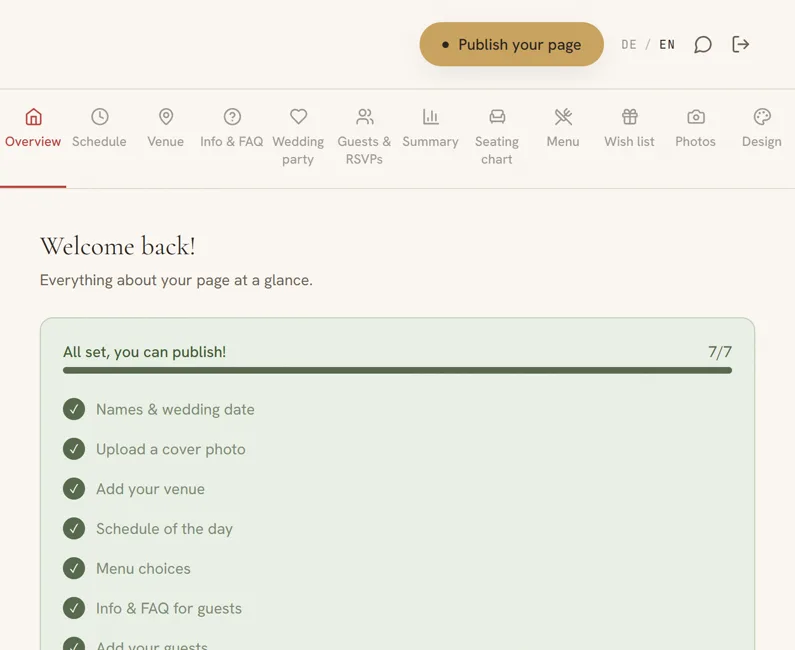
The checklist shows you what's still missing before you publish.
- OverviewCover photo, date, access code and QR code in one place, plus the checklist that takes you to publishing.
- ScheduleYour day as a timeline, from the ceremony to the party.
- VenueCeremony, reception and other stops like the champagne reception, each with a map and directions.
- Info & FAQThe questions that would otherwise reach you one by one on WhatsApp, answered once.
- Wedding partyYour go-to people for questions, with photo and phone number.
- Guests & RSVPsImport your list, send invitations and see who has already replied.
- SummaryWho is coming, who eats what, who has which allergy. As an Excel file for caterer and venue.
- Seating chartUpload your venue's floor plan and place the tables right on it. Exported as a print-ready PDF.
- MenuThe dishes your guests choose from when they RSVP.
- Wish listGuests claim gifts with their name, so nothing arrives twice.
- PhotosYour gallery, plus optional photo uploads from your guests.
- Design30 color palettes, three font styles and the order of your sections.
Your guests stay informed the whole time.
Time to raise a glass.
Everything guests ask is already there.
Times, venue, directions, RSVPs. You won't have to explain a thing that evening.
For the most beautiful day of your life.
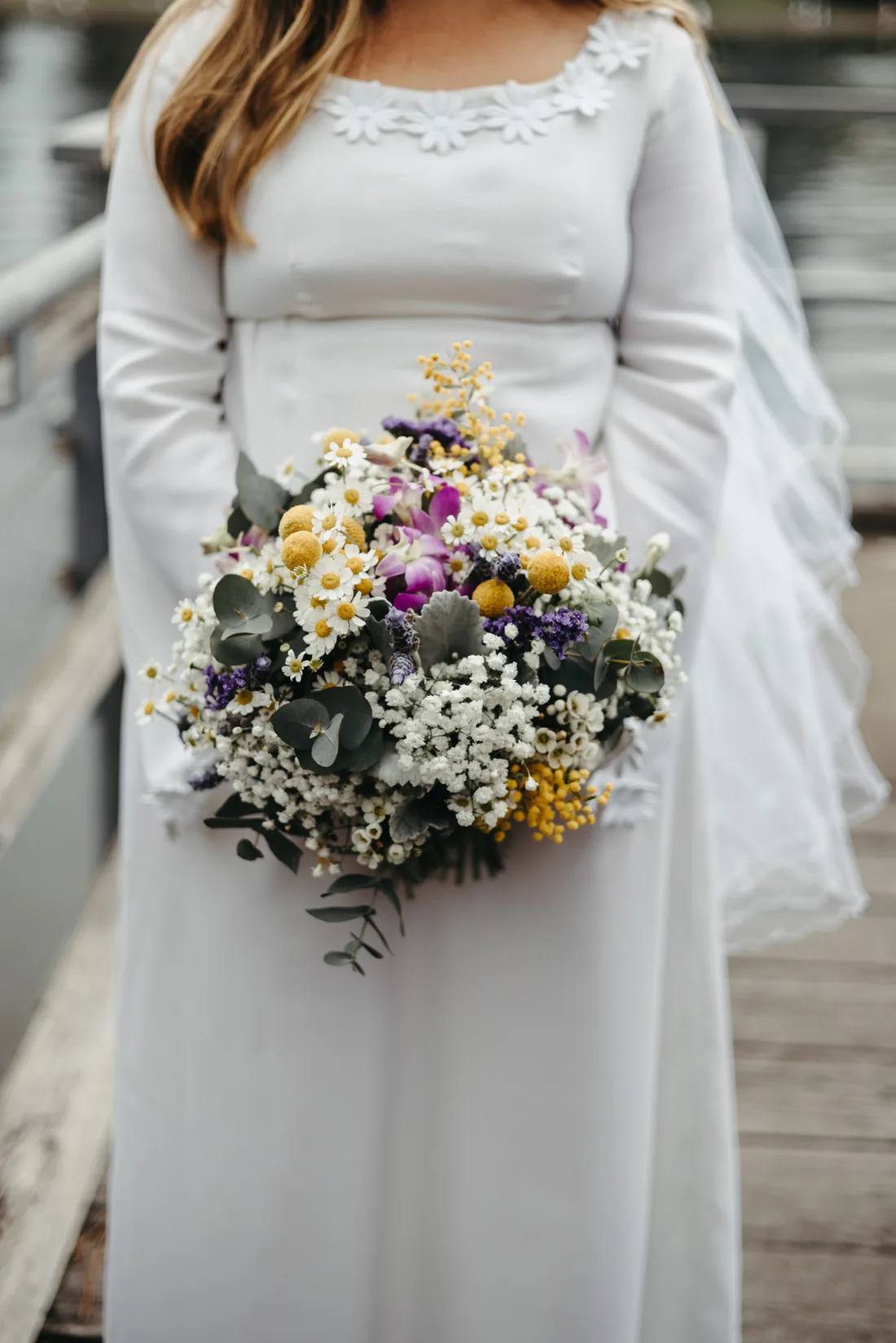
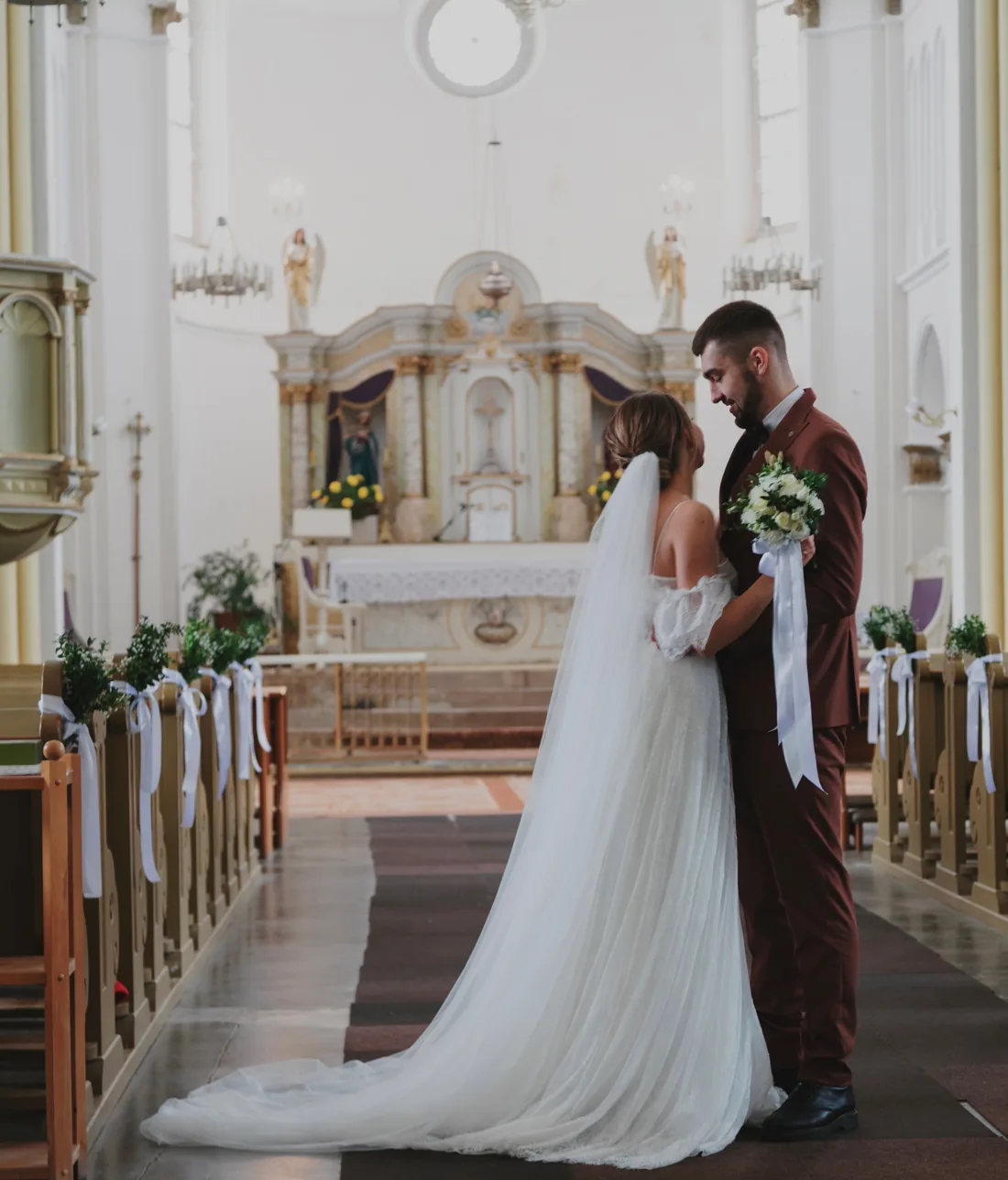


Fewer messages.
More anticipation.
Guests type in their name and reply with one click, menu choice included. No chasing anyone.
Will you be there?
Your name
We'll miss you. Thanks for letting us know.
Will you be there?
Your name
Your menu
Yay! We can't wait to see you.
Who's coming?
Menu choices
Beef fillet 0 · Cod 1 · Vegetarian 0
1 accepted · 0 declined · 3 pending
One click from a guest turns into this:
- Acceptedshows up in your overview
- 2 peopleplus-one counted in
- Vegetariangoes straight to the caterer
- Shuttle neededadded to the ride list
And in the end, you download the whole list as an Excel file for your caterer or venue.
Everything on board, nothing to add later.
Schedule as a timeline
Your program for the day, clearly laid out for all guests, from the ceremony to the party.
RSVP by name matching
Guests simply type in their name. No individual code per person: one QR code for all your invitations is enough.
Menu choice with allergies
For every guest, every plus-one and every child individually, including food intolerances.
Seating chart on your floor plan
Upload your venue's floor plan, place the tables right on it, assign names. As a print-ready PDF for the venue.
Venue with map
Directions to ceremony and reception, plus as many other stops as you like, from champagne reception to registry office.
Wedding party contacts
Go-to people for your guests' questions, with photo, phone number and email.
Your own address
anna-and-max.about2marry.de: your own names as a web address, yours to choose.
Access code protection
Your page is only visible with the code on your invitation, never publicly searchable.
Ready-made themes & 30 palettes
Six ready-made themes to start from, with four layouts and seven font pairings behind them to mix yourself.
Guest photo upload
Optional add-on: guests upload their own photos from the celebration right on your page.
Wish list with reservations
Guests claim gifts with their name. Nothing arrives twice, and who gives what stays a surprise for you.
Guest list via CSV
Import your whole list from Excel at once instead of typing every name by hand.
QR code for invitations
Print it on your invitation cards. Guests scan it and land right on your page.
Insert cards you print yourself
One A4 sheet with eight cards in the design of your page, QR code and access code included. Cut them out, tuck them into your invitations, done.
Guest page in German or English
You pick the language of your page. Labels, RSVP form and invitation emails follow it, so family from abroad is never left guessing.
Who sits where?
The question that takes over the kitchen table a week before the wedding. Pick a name and give it a seat. This is exactly how it works later in your builder.
4 free seats. In the builder you place your real floor plan underneath, enter the actual table sizes in centimeters and drag tables and room elements around freely. At the end you get the plan as a PDF, true to scale for your venue.
Create your own seating chart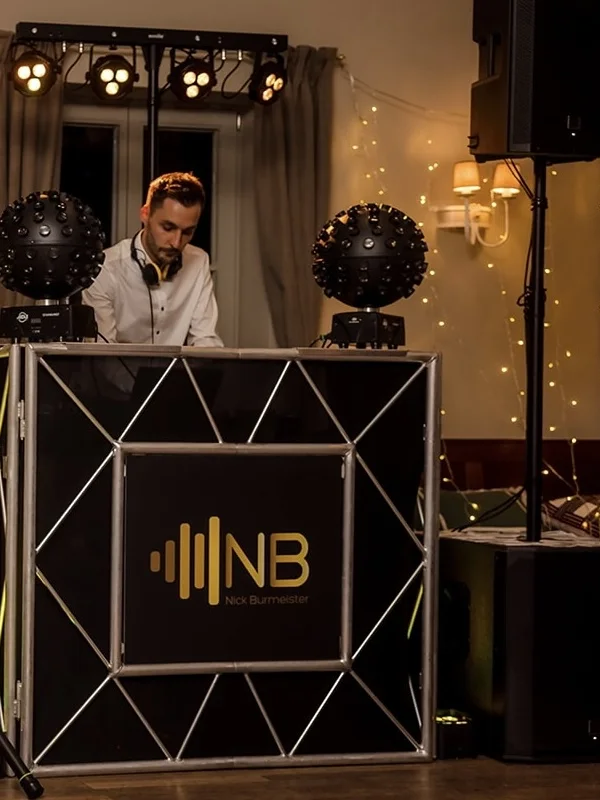
I have seen more than a hundred weddings up close.
I have been DJing at weddings for more than ten years. I know what happens when the schedule isn't clear, the kitchen doesn't know about allergies or guests can't find the venue. That's why about2marry exists.
Visit my DJ website →Your story
This is how your page will tell your story. With your years, your words, your pictures.
Because your wedding deserves more
than a standard website.
Personal.
Your story takes center stage.
Elegant.
Digital, but with the feel of a real invitation.
Simple.
For you and your guests.
Pay once. No subscription.
Your page stays with you through all the planning and beyond your celebration.

Guest photo uploads
+ €19
Optional and also a one-time payment. Your guests upload photos from the celebration right to your page, and you get everything as a ZIP. You can add it later, too.
Your page stays online for 4 weeks after your wedding, then it deletes itself automatically. We let you know in good time before that happens. Read more in our guide.
The questions you actually have.
Isn't that a lot of work?
Your names, the date, the venue. That is all it takes and your page is up. You can add everything else later, whenever you feel like it.
The step-by-step guideWill our guests even use it?
The QR code goes on your invitation. Anyone who scans it lands right on your page, no app and no sign-up.
How to put the QR code on your invitationWhat about our data?
Your page runs on a server in Germany. You can protect it with a password, so only people who know it can see it.
What happens to your page after the weddingDo we have to keep updating the page?
No. If nothing changes, you change nothing. It collects the replies from your guests on its own.
Is it worth it for a small wedding?
With twenty guests, that's the same answer you won't have to give twenty times. Your call.
Will there be extra costs later?
Your page costs €49, one time. If you want your guests to upload photos, that adds €19, also one time. Nothing else.
What wedding websites cost elsewhereFor venues
You set it up.
Every couple finds it ready.
A partner account holds your room, your addresses and your answers. Couples who celebrate with you get their own link, and with it a page that already feels like your venue.
You draw your room once
Upload your floor plan, place tables with their real dimensions, set the stage, bar and dance floor. Every couple that arrives through your link starts with exactly this room. As their own copy, so they can move tables around without touching your template.
Your details are already in place
The address of the ceremony and the reception with a map, your room allotments, the hotels nearby, your menu options, your answers to the questions that always come up. The couple finds all of this ready instead of having to ask you.
Fewer questions, more RSVPs
Directions, times and accommodation sit in one place that every guest reaches through the QR code on the invitation. The questions that would otherwise land in your inbox and on your phone are answered by the page.
We set up the account together with you and discuss the terms beforehand.